

Expo vs React Native CLI vs Flutter: Which Mobile Development Framework Should You Use?
By Vinay Sharma
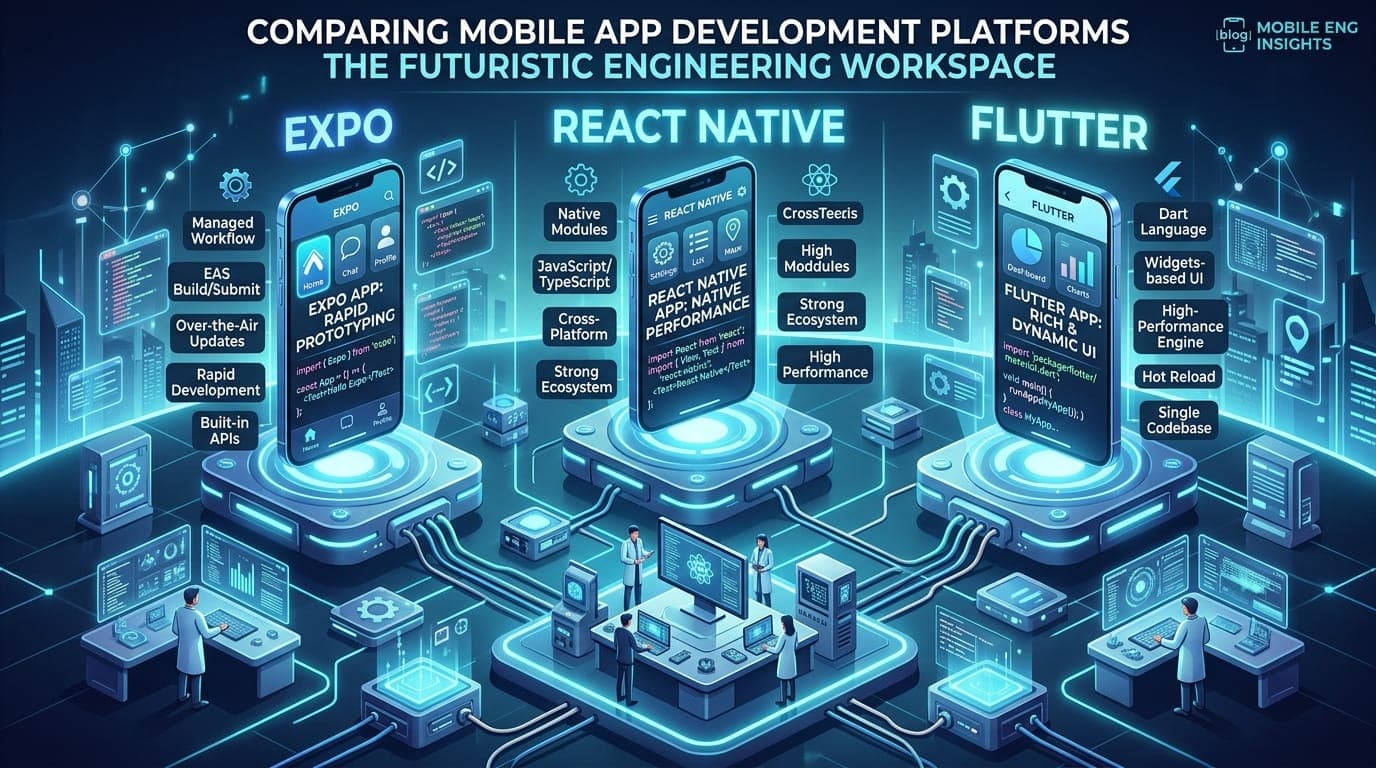
If you're starting a mobile app in 2026, you almost certainly aren't writing Swift and Kotlin twice. The real question is which cross-platform stack to pick: Expo, React Native CLI (bare), or Flutter. Each is excellent. Each has a different failure mode. Picking the wrong one costs you 6–12 months of migration pain later.
This post is the decision framework we wish every product owner had before they committed. It assumes you're building a real product with real users — not a weekend demo — and you care about shipping, maintaining, and scaling it over years.
1. The Three Options, Honestly
Expo (managed React Native + EAS)
Expo is React Native with batteries included: a managed build service (EAS Build/Submit), a curated module ecosystem, OTA updates, and a sensible default config. You write TypeScript and expo handles native builds in the cloud — you may never open Xcode.
React Native CLI (bare)
The same React Native, without the managed layer. You own ios/ and android/ folders, configure native dependencies manually, and run builds on your own machines or CI. More control, more rope.
Flutter
Google's Dart-based framework. Compiles to native ARM code, renders via its own engine (Skia/Impeller), and ships one codebase to iOS, Android, web, and desktop. Excellent performance and consistency — at the cost of learning Dart and a different mental model.
2. The Decision Matrix
| Dimension | Expo | React Native CLI | Flutter |
|---|---|---|---|
| Time to first build | Minutes | Hours | Hours |
| OTA updates (no app store) | Built-in (EAS Update) | Manual (CodePush, custom) | Manual (Shorebird or custom) |
| Native modules | Expo Modules API (clean) | Raw bridges (verbose) | Platform channels (medium) |
| Performance ceiling | Very good (Hermes + Fabric) | Very good (same engine) | Excellent (AOT, own renderer) |
| Web target | Same codebase via Expo Router | React Native Web (community) | First-class, same codebase |
| Desktop target | Limited | Limited | First-class (Windows/macOS/Linux) |
| Team skills required | JS/TS + React | JS/TS + React + native | Dart (new) + Flutter |
| Ecosystem maturity | Very mature (npm) | Very mature (npm) | Mature (pub.dev) |
| Hiring | Easy (RN devs) | Easy (RN devs) | Smaller pool, often cheaper |
| Build/CI complexity | Low (EAS handles it) | High (you own it) | Medium |
| App size (hello-world) | ~30–40 MB | ~25–35 MB | ~20–30 MB |
| Background tasks | Good (expo-background) | Good | Good |
| Hot reload speed | Fast (Fast Refresh) | Fast (Fast Refresh) | Fast (hot reload) |
| Ownership of native code | Implicit | Explicit | Implicit |
3. When to Pick Expo
Pick Expo if:
- You're a small team (1–5 engineers) and you don't want to hire an iOS and Android specialist.
- You need OTA updates for content, A/B tests, or critical bug fixes without waiting 1–7 days for App Store review.
- Your app is content-driven (chat, dashboards, marketplaces, SaaS companion apps, internal tools).
- You value a sane default config over maximum customization.
Don't pick Expo if:
- You need heavy background processing, custom audio/video pipelines, or low-level sensor work that requires writing Swift/Kotlin by hand.
- You need to integrate an SDK that doesn't ship an Expo config plugin and can't be wrapped by one. (Rare, but it happens.)
- Your team has a strong existing investment in native build pipelines and feels constrained by EAS pricing.
The Expo pattern that scales
Use Expo Router (file-based navigation), EAS Build for cloud builds, EAS Update for OTA, and Expo Modules API the day you need custom native code. The Modules API is genuinely good — far cleaner than legacy RN bridges — and removes most of the "Expo can't do native" objections from 2020.
// app.json — the part that matters
{
  "expo": {
    "name": "MyApp",
    "plugins": ["expo-router", "expo-secure-store", "@react-native-firebase/app"],
    "updates": { "url": "https://u.expo.dev/your-project-id" },
    "runtimeVersion": { "policy": "fingerprintV1" }
  }
}
4. When to Pick React Native CLI
Pick React Native CLI if:
- You're a larger team with dedicated iOS/Android engineers who want full control over the native build graph.
- You have a brownfield app with an existing native codebase that you're migrating gradually.
- You need native dependencies that don't play well with Expo's autolinking (rare in 2026, but legacy modules still exist).
- You're integrating deep OS-level features (custom AR, video processing, hardware integrations) where you'll be in the native code weekly.
Don't pick React Native CLI if:
- Your team doesn't have an iOS or Android engineer. You will spend weeks fighting Podfile and Gradle.
- OTA updates are important to you and you don't want to roll your own with CodePush.
- You're optimizing for speed-to-market.
The honest truth
The gap between Expo and bare RN has narrowed dramatically. In 2026, almost everything that justified bare RN is now possible in Expo via config plugins and the Modules API. Unless you have a specific reason that your native engineers can articulate in a sentence, choose Expo.
5. When to Pick Flutter
Pick Flutter if:
- Performance and visual consistency across platforms matter more than anything else (games, fintech charting, complex animations, design-led products).
- You want one codebase that genuinely spans iOS, Android, web, and desktop — not "kind of" web like RN Web, but a real, performant web target.
- Your team is comfortable learning Dart (which is excellent, underrated, and easy to onboard from TypeScript).
- You want a stable, opinionated framework with fewer breaking changes than the React Native ecosystem has had historically.
Don't pick Flutter if:
- You already have a heavy investment in React/TypeScript and your team can't afford to switch.
- You need the absolute largest possible hiring pool (React Native still wins there).
- You need deep integration with platform-specific UX (Material You on Android, native iOS navigation patterns) — Flutter approximates these well, but RN gets closer to the metal.
The Dart trade-off
Dart is not a dealbreaker. It's a typed, garbage-collected, fast language with sound null safety and great tooling. Engineers proficient in TypeScript pick it up in 1–2 weeks. The actual trade-off is ecosystem: pub.dev is smaller than npm, and you'll occasionally find yourself writing a package that would've been an npm install on the React side.
6. The Decision Framework in One Minute
Answer these questions in order:
- Is performance/visual consistency your #1 priority? → Flutter.
- Do you need a true desktop + web target from one codebase? → Flutter.
- Is your team primarily TypeScript/React? → React Native (Expo).
- Do you have dedicated iOS and Android engineers and a specific reason they need full native control? → React Native CLI.
- Are you a small team optimizing for speed-to-market with OTA updates? → Expo.
- Are you migrating an existing bare RN app? → Stay on bare RN unless you have appetite to migrate to Expo (it's mostly a config change now).
If you answered "neither feels right," you're probably overthinking. Expo is the safe default for 80% of new apps in 2026.
7. Real-world Failure Modes
A few war stories that should color your choice:
- "We picked bare RN for control, then spent 6 months on CI." A 4-engineer team without native expertise can lose 30% of capacity to build pipeline maintenance. Expo's EAS would've saved them.
- "We picked Flutter and couldn't find senior Dart engineers." In a tight market, the smaller hiring pool matters. Budget 2–3 months for onboarding a senior Flutter dev vs 1 month for RN.
- "We shipped a complex RN app, then needed to add a feature that required a custom native module — and our team couldn't write it." This is the moment to either hire a native contractor or migrate to Expo, which makes native module authoring dramatically easier.
- "Our Flutter app looked identical on iOS and Android — and users complained the iOS version didn't feel native." Visual consistency is a strength and a weakness. Decide if you want platform-idiomatic UX or unified UX, because you can't have both.
8. Migration Paths (in case you guessed wrong)
- Expo → bare RN: technically possible but rarely worth it. Stay on Expo; write native code via the Modules API if needed.
- bare RN → Expo: increasingly common and mostly painless. Move native dependencies into config plugins, adopt Expo Router, point CI at EAS Build. 2–6 weeks for a typical app.
- RN ↔ Flutter: a rewrite. Treat it as such. Budget 3–6 months for a real product.
The asymmetry is the lesson: Expo is the only one that's easy to leave or join late in the project lifecycle. That's worth real money at decision time.
9. A Note on the Web Target
If "we also want a web app" is on your roadmap, the calculus shifts:
- Expo Router ships a real, performant web target with SSR — the same codebase, with platform-specific branches where needed. This is the strongest web story of the three.
- React Native Web (bare RN) works but is more manual. You own more of the build config.
- Flutter Web compiles to WebAssembly + Canvas. Excellent for app-like experiences, but heavier initial load and weaker SEO. Skip it for content-heavy or marketing sites.
For most SaaS-companion apps, Expo Router's web target is now the default we recommend. Same codebase, real SSR, real SEO.
10. What We'd Pick Today (2026)
For a typical B2B or consumer app starting today:
- Expo + Expo Router + EAS — the default. Ship in weeks, OTA-update freely, add native modules only when you need them.
- Flutter — when the product is design-led, animation-heavy, or you genuinely need desktop from the same codebase.
- React Native CLI — only when you have a strong, named reason and the native engineers to back it up.
The "wrong choice" penalty is months of pain. Spend a week prototyping in two of them if you can — it's the cheapest due diligence you'll ever do.
Picking a mobile stack for a new product?
We've shipped cross-platform apps in all three stacks. Tell us your roadmap and constraints — we'll recommend one with a clear reasoning, then build it with you.

Building something in software engineering?
Our Custom Software team ships production-grade systems like this. Free 30-min consultation.
Subscribe
Get our best insights in your inbox
Practical guides on AI, cloud, security, and marketing. No spam, unsubscribe in one click.